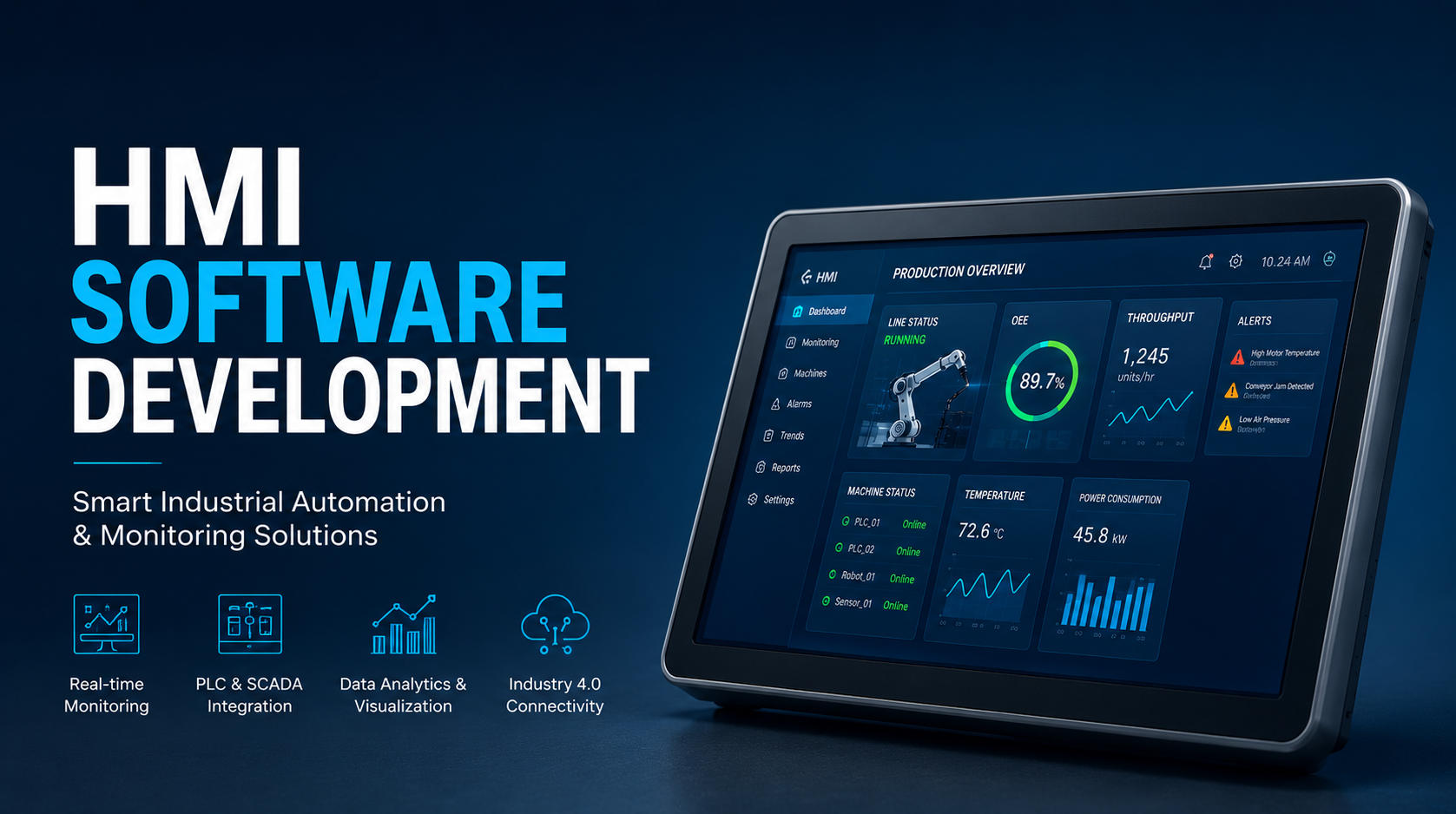
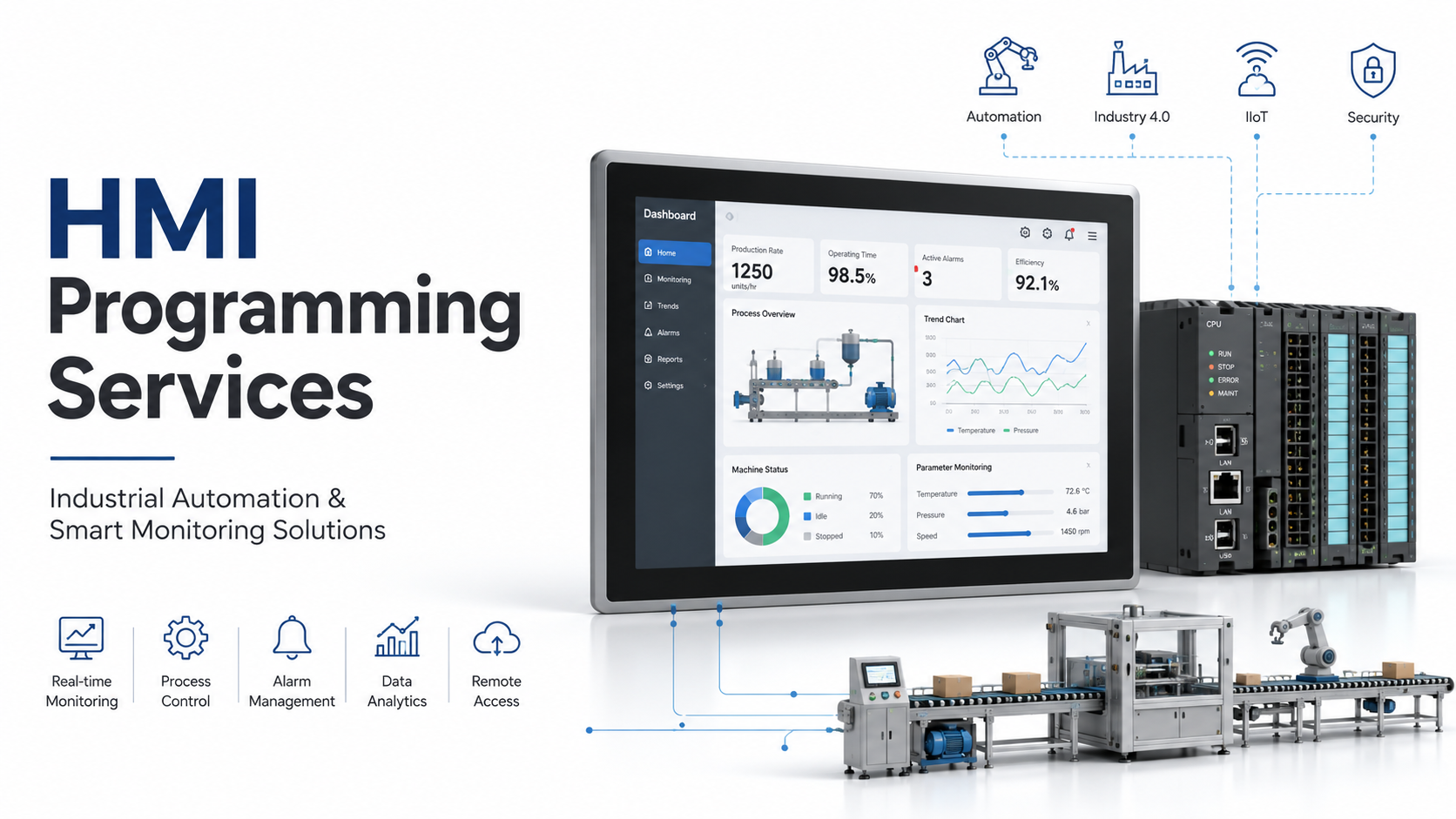
Embedded systems HMI development is the engineering discipline that combines hardware selection, firmware programming, operating systems, graphics rendering, touch interface design, and communication protocols to create user interfaces built directly into industrial machines, medical devices, automotive systems, consumer electronics, and smart equipment. Unlike traditional HMI software that runs on external PCs, an embedded HMI is deeply integrated into the device itself, making the interface and the machine a single unit.
AutomatexLab provides embedded HMI development services for industrial automation projects, including hardware selection, graphics framework integration, fieldbus communication, and production firmware delivery.
What Is an Embedded HMI System?
An embedded HMI (Human Machine Interface) is a user interface built directly into a device that allows operators to monitor, control, and interact with the underlying embedded system.
An embedded HMI system is not a separate computer connected to a machine. It is a purpose-built interface that lives inside the equipment it controls. The display, processor, memory, and communication hardware are all part of the device’s own electronics. When an operator touches a button on an injection molding machine, reads a pressure value on a flow controller, or acknowledges an alarm on a medical infusion pump, they are interacting with an embedded HMI.
Core components of an embedded HMI include:
A processing unit (microcontroller or SoC), a display panel (TFT LCD, OLED, or e-paper), a touch controller (resistive or capacitive), storage for firmware and assets (Flash, eMMC), communication interfaces (Ethernet, CAN, RS-485, USB), and a power management subsystem.
Embedded HMI vs. Standalone HMI
A standalone HMI is an external panel PC or industrial workstation running SCADA or HMI software connected to a machine via fieldbus. An embedded HMI is part of the machine itself. Embedded HMIs offer lower system cost, reduced installation complexity, tighter real-time integration, and better environmental tolerance. Standalone HMIs offer easier software updates, larger screen real estate, and greater flexibility for complex multi-machine supervision.
How Does an Embedded HMI System Work?
An embedded HMI works by collecting data from sensors, controllers, and processors and presenting it through graphical interfaces, while allowing users to send commands back to the system.
The data flow in an embedded HMI follows a continuous loop. Sensors and actuators generate signals. The embedded processor reads those signals through ADCs, digital inputs, or communication buses. The firmware processes the raw values, applies scaling and logic, and updates the UI state. The graphics engine renders the updated state on the display. When an operator touches the screen, the touch controller generates an interrupt. The firmware maps that touch coordinate to a UI element, validates the action, and sends the corresponding command to the machine’s control logic.
Key stages in this workflow:
- Data acquisition from sensors, PLCs, or internal registers
- Signal processing and alarm evaluation in firmware
- UI state update in application layer
- Graphics rendering to framebuffer
- Display refresh via display controller
- Touch event detection and coordinate mapping
- Command generation and transmission to actuators or controllers
- Feedback confirmation on screen
Real-time feedback is critical in industrial embedded HMIs. Operators expect display updates within 100 milliseconds and touch response within 50 milliseconds. Exceeding these thresholds creates the impression of an unresponsive or unreliable system.
What Are the Main Components of Embedded HMI Development?
Embedded HMI development involves hardware platforms, embedded operating systems, graphics engines, touch interfaces, communication protocols, and application software.
Embedded Hardware Components
The hardware foundation of an embedded HMI includes the application processor (ARM Cortex-A or Cortex-M series, NXP i.MX, STM32, Renesas RZ), the display interface controller (MIPI DSI, RGB parallel, LVDS), touch screen controller (I2C or SPI connected capacitive controller, Goodix, FocalTech, Atmel), connectivity ICs (Ethernet PHY, CAN transceiver, RS-485 driver), and power management IC.
Embedded Software Components
The software stack layers include the bootloader (U-Boot or custom), the operating system (Linux, FreeRTOS, Zephyr, VxWorks), the display driver, the graphics engine, the communication stack, and the application firmware.
Display Technologies
TFT LCD panels are the most common choice for industrial embedded HMIs due to their cost and availability. IPS displays offer wider viewing angles critical for panel-mount industrial use. OLED displays provide better contrast and are used in medical and premium consumer devices. E-paper is used in ultra-low power applications with infrequent screen updates.
Touchscreen Technologies
Resistive touchscreens operate by physical pressure and work with gloves or stylus, making them suitable for industrial environments with contamination. Capacitive touchscreens offer multi-touch and smoother operator experience and are used in medical and clean manufacturing environments.
What Technologies Are Used for Embedded HMI Development?
Modern embedded HMI development commonly uses Linux, RTOS, Qt, LVGL, Embedded Wizard, TouchGFX, C++, and ARM-based processors.
Embedded Linux HMI Development
Embedded Linux is the most widely used operating system for feature-rich embedded HMIs. It provides mature driver support, networking stacks, filesystem management, and a large ecosystem of open-source tools. Yocto Project and Buildroot are the primary build systems for creating custom embedded Linux distributions. Qt on Linux is the dominant framework combination for industrial embedded HMIs requiring rich graphics, networking, and complex application logic.
RTOS-Based HMI Development
For applications with hard real-time requirements, FreeRTOS, Zephyr, ThreadX, and VxWorks are used. RTOS-based HMIs run on microcontrollers without the overhead of a full operating system, making them suitable for resource-constrained devices. Graphics frameworks like LVGL and TouchGFX are designed to run on bare metal or RTOS without Linux.
Qt for Embedded Systems
Qt is a cross-platform C++ framework with a dedicated embedded module (Qt for Device Creation). It supports OpenGL ES hardware acceleration, QML for declarative UI design, and integrates with Yocto. Qt is widely used in automotive HMI, industrial equipment, medical devices, and energy infrastructure.
LVGL (Light and Versatile Graphics Library)
LVGL is an open-source embedded graphics library written in C, designed for microcontrollers with limited RAM and Flash. It supports widgets, animations, touch input, and multiple display drivers without requiring an operating system. LVGL is popular for STM32, ESP32, and NXP-based HMI projects.
TouchGFX
TouchGFX is an ST Microelectronics-provided framework optimized for STM32 microcontrollers. It uses hardware acceleration (Chrom-ART) on STM32 devices to achieve smooth frame rates on microcontrollers. It provides a visual designer tool and generates C++ code directly integrated into STM32CubeIDE.
Embedded Wizard
Embedded Wizard is a commercial GUI framework targeting resource-constrained embedded systems. It provides a cross-platform design environment with output targeting bare metal, RTOS, and Linux targets.
What Is the Architecture of an Embedded HMI System?
Embedded HMI architecture typically consists of hardware, operating system, middleware, graphics engine, communication layer, and application layer.
Hardware Layer
Processor, memory (RAM and Flash), display controller, touch controller, communication interfaces, and peripherals. This is the physical foundation and defines performance constraints for all upper layers.
Operating System Layer
Manages hardware resources, schedules tasks, provides filesystem access, and abstracts hardware from the application. On Linux-based systems, this includes the kernel, device tree, and board support package (BSP). On RTOS-based systems, this includes the scheduler, task management, and HAL (Hardware Abstraction Layer).
Middleware Layer
Libraries and services between the OS and the application, including graphics drivers, touch event handlers, font engines, image decoders, and protocol stacks.
Communication Layer
Handles all data exchange with external systems: field device communication via Modbus, CANopen, or EtherNet/IP; cloud or remote connectivity via MQTT or OPC UA; and local interfaces via USB or serial.
UI Layer
The graphics engine and widget toolkit: Qt, LVGL, TouchGFX, or a custom renderer. This layer manages the framebuffer, widget rendering, animations, and touch event routing.
Application Layer
The device-specific logic written by the product development team. This includes screen state management, data binding between field values and UI elements, alarm management, user authentication, and configuration persistence.
What Is the Embedded HMI Development Process?
The development process includes requirement analysis, UI design, hardware integration, software development, testing, optimization, and deployment.
1. Requirement Analysis
Define functional requirements (what operators need to see and control), non-functional requirements (response time, temperature range, certifications), display size and resolution constraints, communication interfaces needed, and environmental operating conditions.
2. User Workflow Design
Map every operator interaction: normal operation views, alarm acknowledgment flows, configuration menus, maintenance screens, and login sequences. Define the navigation hierarchy before any graphics work begins.
3. Wireframing and Prototyping
Create low-fidelity wireframes for all screens. Prototype navigation flows using tools like Figma, Qt Design Studio, or paper sketches. Validate the workflow with operators or domain experts before developing graphics assets.
4. Graphics Development
Create UI assets at the target resolution. Design icons, alarm indicators, gauge widgets, trend charts, and navigation elements. Define the visual design system: colors, fonts, spacing, and component states (normal, active, alarm, disabled).
5. Firmware Integration
Integrate the graphics framework with the BSP. Implement the display driver, touch driver, and input event system. Connect the UI state machine to the underlying data model fed by sensors, communication stacks, or PLC registers.
6. Communication Integration
Implement the communication stack: Modbus TCP/RTU, CAN, EtherNet/IP, OPC UA, or MQTT depending on the system architecture. Map incoming data to UI variables and map outgoing commands from UI events to protocol writes.
7. Testing and Validation
Execute functional testing, display performance benchmarking, touch accuracy validation, communication stress testing, and environmental testing. Validate alarm behavior, edge cases, and failure modes.
8. Deployment and Maintenance
Implement an OTA (Over-The-Air) or SD card-based firmware update mechanism. Document the API between the HMI and the control system. Plan for long product life cycles: embedded HMIs in industrial equipment often remain in service for 10 to 20 years.
How Do Engineers Design User Interfaces for Embedded Devices?
Embedded UI design focuses on usability, readability, response time, safety, and hardware limitations.
Screen Layout Design
Industrial HMI screens prioritize information density without creating cognitive overload. Critical process values belong in the top-left region of the screen (the natural visual anchor). Alarm indicators require high-contrast color coding (red for fault, yellow for warning, green for normal) consistent across all screens. Status information that changes continuously should update in place without reflowing the layout.
Navigation Structure
Keep navigation depth shallow. Operators under pressure need to reach any critical control within two taps. Use persistent navigation bars or fixed function keys (physical or on-screen) for emergency stop, alarm lists, and home screens.
Alarm Visualization
IEC 62682 is the international standard for alarm management in industrial HMIs. Well-designed alarm systems distinguish between advisory, warning, and critical states. Alarm floods, where hundreds of alarms fire simultaneously, are a known failure mode. Good HMI design groups and prioritizes alarms rather than presenting raw lists.
Touchscreen Optimization
Minimum touch target size for industrial glove-compatible use is 20mm x 20mm. Avoid placing critical controls adjacent to each other without visual separation. Provide tactile or audible feedback confirmation for operator actions.
Industrial Operator Experience
Industrial operators work in demanding environments: variable lighting, potential vibration, PPE on hands, high-stakes consequences. Embedded HMI design for industrial use must prioritize clarity and error prevention over aesthetic novelty.
What Are the Challenges in Embedded HMI Development?
Developers often face memory limitations, processor constraints, display performance issues, real-time requirements, and long product life cycles.
Limited Processing Power
Microcontroller-based HMIs may have only 256KB to 2MB of RAM. Every animation, image, and widget has a memory cost. Developers must profile rendering workloads and optimize asset pipelines to achieve smooth frame rates.
Memory Constraints
Flash storage limits the total size of firmware, UI assets, fonts, and translation strings. Compressed image formats, bitmap fonts, and asset atlases are standard techniques for reducing footprint.
Real-Time Performance
Display updates must not be delayed by communication tasks or application logic. Proper task prioritization in RTOS environments, or interrupt-driven architectures on bare metal, is essential to avoid display stuttering during heavy communication loads.
Security Requirements
Connected embedded HMIs are attack surfaces. Hardening requirements include secure boot, firmware signing, encrypted storage for credentials, and network segmentation. IEC 62443 defines cybersecurity requirements for industrial automation and control systems including HMIs.
Long-Term Maintenance
Industrial equipment life cycles of 10 to 20 years create significant software maintenance challenges. Display panels get discontinued. Processor families reach end of life. Embedded HMI architectures must be designed with hardware abstraction layers that allow component substitution without full software rewrites.
Embedded HMI vs Traditional HMI Software
| Dimension | Embedded HMI | Traditional HMI (PC-Based) |
|---|---|---|
| Hardware dependency | Runs on device’s own hardware | Requires external PC or panel PC |
| Cost | Lower system cost for high volume | Higher hardware cost, faster development |
| Performance | Hardware-specific optimization possible | Dependent on PC performance |
| Reliability | No OS bloat, deterministic operation | Susceptible to OS crashes, updates |
| Maintenance | Firmware updates required | Software updates via standard PC tools |
| Scalability | Fixed to designed hardware | Easier to scale to larger screens or more data |
| Connectivity | Protocol-specific integration | Rich connectivity via standard PC interfaces |
Embedded HMIs are preferred when the product ships in volume, when environmental robustness is required, or when integration with proprietary hardware is essential. Traditional HMIs are preferred for complex supervision tasks, multi-machine visibility, and rapid development cycles.
Which Industries Use Embedded HMI Systems?
Embedded HMIs are widely used in manufacturing, medical devices, automotive systems, energy, consumer electronics, and transportation.
Industrial Automation and Manufacturing Equipment
CNC machines, injection molding machines, packaging lines, conveyor systems, and robotic cells all use embedded HMIs to give operators direct machine control without external computers. The display is part of the machine’s enclosure.
Medical Devices
Infusion pumps, patient monitors, ventilators, dialysis machines, and diagnostic equipment use embedded HMIs where FDA/CE regulatory requirements demand fully controlled, validated software environments that are incompatible with general-purpose operating systems.
Automotive Systems
Instrument clusters, infotainment systems, climate control panels, and ADAS displays are embedded HMIs developed under functional safety standards (ISO 26262). Automotive HMI development uses AUTOSAR-compliant software architectures.
Energy and Utilities
Smart meters, inverter control panels, substation RTUs, and pump station controllers use embedded HMIs for local operator interaction independent of SCADA system availability.
Consumer Electronics
Smart appliances, commercial coffee machines, exercise equipment, and industrial printers use embedded HMIs to deliver consumer-grade interface experiences on purpose-built hardware.
What Communication Protocols Are Used in Embedded HMIs?
Embedded HMIs communicate using protocols such as Modbus, CAN Bus, Ethernet/IP, OPC UA, MQTT, SPI, I2C, and UART.
Modbus
Modbus RTU (RS-232/RS-485) and Modbus TCP (Ethernet) are the most common legacy protocols in industrial HMI communication. Nearly all PLCs and field devices support Modbus. The protocol is simple, deterministic, and easy to implement on resource-constrained embedded systems.
CAN Bus
CAN (Controller Area Network) is dominant in automotive and mobile equipment. CANopen and J1939 are application layer protocols built on CAN. Embedded HMIs in vehicles, agricultural equipment, and construction machinery typically communicate over CAN.
OPC UA
OPC UA (Unified Architecture) is the modern standard for industrial device-to-device and device-to-cloud communication. It provides a platform-independent, secure, and structured data model. Embedded Linux HMIs increasingly implement OPC UA clients for integration with MES, SCADA, and IIoT platforms.
MQTT
MQTT is a lightweight publish-subscribe protocol designed for constrained devices and unreliable networks. Embedded HMIs use MQTT to publish operational data to cloud platforms (AWS IoT, Azure IoT Hub) and receive remote configuration or commands.
EtherNet/IP
EtherNet/IP is the dominant industrial Ethernet protocol in North American automation. Embedded HMIs in manufacturing cells often communicate with Allen-Bradley PLCs via EtherNet/IP.
SPI, I2C, UART
These are chip-to-chip communication protocols used internally within the embedded HMI hardware. SPI connects the processor to the display controller and touch IC. I2C connects to sensors and peripherals. UART provides debug console access and legacy serial device connectivity.
How Is Embedded HMI Software Tested?
Testing includes functional validation, usability testing, performance testing, communication testing, and reliability testing.
Functional Testing
Verify that every screen element responds correctly to valid and invalid inputs. Validate alarm triggering, acknowledgment, and reset behavior against the alarm management specification.
UI Testing
Validate rendering accuracy at the target resolution. Test all font sizes for legibility. Confirm that touch targets meet the minimum size specification.
Performance Testing
Measure screen transition time, animation frame rate (target minimum 30 fps for smooth motion), and touch response latency. Profile memory allocation and identify leaks over extended runtime.
Communication Testing
Stress test communication stacks with high message rates, dropped packets, device timeouts, and bus errors. Verify that communication failures trigger correct alarm states and do not crash the UI.
Hardware Validation
Test across the full operating temperature range. Validate display brightness and contrast under ambient lighting conditions representative of the deployment environment. Confirm EMC compliance if the product requires CE or UL certification.
How Can Embedded HMI Performance Be Optimized?
Performance optimization focuses on efficient graphics rendering, memory management, communication efficiency, and hardware acceleration.
Graphics Optimization
Use sprite atlases to reduce texture switching. Avoid full-screen redraws: implement dirty rectangle tracking to redraw only the changed portions of the display. Pre-render static background layers to a framebuffer and composite only dynamic elements on top.
Memory Optimization
Store image assets in compressed form (PNG, RLE) and decompress to a scratch buffer at render time. Use fixed-size memory pools instead of dynamic heap allocation to eliminate fragmentation over long runtime.
Hardware Acceleration
ARM Cortex-A SoCs with Mali or Vivante GPUs can offload rendering to OpenGL ES. STM32 microcontrollers with Chrom-ART accelerator handle pixel blending and DMA-driven display transfers without CPU involvement. Using hardware acceleration correctly can achieve 60 fps on hardware that could not sustain 10 fps with pure software rendering.
Communication Optimization
Decouple the communication task from the UI rendering task. Run the communication stack on a separate RTOS thread or process. Poll only actively displayed data points at display refresh rate; poll background data at a lower rate.
What Security Measures Should Be Implemented in Embedded HMIs?
Secure embedded HMIs use authentication, encryption, secure boot, firmware signing, role-based access control, and network security measures.
User Authentication
Implement PIN, password, or RFID-based login. Define operator role levels: viewer, operator, supervisor, engineer, administrator. Lock the configuration and maintenance screens behind higher privilege levels.
Secure Communication
Use TLS 1.2 or higher for all network communication. Do not use unencrypted Modbus TCP for sensitive setpoint writes over routable networks. Where OPC UA is used, enable its built-in security modes (Sign & Encrypt).
Firmware Security
Implement secure boot to verify the cryptographic signature of the firmware image before execution. Use firmware signing with asymmetric keys to prevent unauthorized firmware from running on production devices.
IEC 62443 Compliance
IEC 62443 is the industrial cybersecurity standard series that applies to embedded HMIs in industrial automation systems. It defines security levels (SL1 to SL4) and corresponding controls for device hardening, network segmentation, and patch management.
Future Trends in Embedded Systems HMI Development
Future embedded HMIs will increasingly use AI, edge computing, predictive analytics, cloud connectivity, and advanced visualization technologies.
AI-Powered Interfaces
Machine learning models running at the edge will enable anomaly detection directly on the HMI device. Instead of displaying raw process values, future HMIs will surface predictions: “Bearing temperature trending toward fault threshold in approximately 4 hours.”
Edge Computing Integration
Embedded HMIs are gaining computational capability through more powerful SoCs. Edge inference using TensorFlow Lite, ONNX Runtime, or vendor-specific NPUs will move AI processing from cloud to the embedded device, enabling real-time operator guidance without network dependency.
IIoT and Cloud Connectivity
Embedded HMIs increasingly function as IIoT edge nodes, publishing operational data to cloud analytics platforms via MQTT or OPC UA. Remote monitoring, remote configuration, and over-the-air firmware updates are becoming standard requirements in industrial embedded HMI specifications.
Predictive Maintenance Dashboards
Next-generation embedded HMIs will integrate predictive maintenance models, displaying remaining useful life estimates for machine components based on vibration, temperature, and cycle count data.
Augmented Reality HMIs
AR overlays using smart glasses or tablet-based AR are beginning to supplement embedded HMIs in maintenance and commissioning workflows. Engineers can see equipment telemetry overlaid on physical components without looking at a separate panel.
Key Takeaways
Embedded systems HMI development is the discipline of building user interfaces that live inside the machines they control, not alongside them.
The core technology stack combines ARM-based processors, embedded operating systems (Linux or RTOS), graphics frameworks (Qt, LVGL, TouchGFX), and industrial communication protocols (Modbus, CAN, OPC UA, MQTT).
Embedded HMI architecture is layered: hardware, OS, middleware, communication, graphics engine, and application, each layer independent enough to be updated or replaced without destabilizing the others.
The development process is front-loaded with requirement analysis and user workflow design because errors at the UI specification stage become expensive once firmware integration begins.
Industrial, medical, automotive, and energy applications each impose domain-specific requirements: safety standards, certifications, environmental tolerance, and long product life cycles that shape every architectural decision.
The future of embedded HMI development runs toward AI-assisted operator guidance, IIoT cloud integration, edge inference, and AR-augmented maintenance, all driven by the increasing processing power available in modern embedded SoCs.
FAQs
Embedded HMI development is the process of designing and building user interface systems that are integrated directly into a device’s hardware, combining display technology, touch input, firmware, graphics engines, and communication protocols into a single product.
C and C++ are the primary languages for embedded HMI firmware. Qt applications use C++ with QML for UI. LVGL uses C. Python is used in some Linux-based embedded HMI applications for scripting and data processing layers.
A GUI (Graphical User Interface) is any graphical interface, including desktop operating systems and mobile apps. An HMI (Human Machine Interface) is a GUI specifically designed for controlling and monitoring machines or industrial processes, with requirements for real-time data, alarm management, and operator safety.
Yes. Embedded Linux is the most common platform for feature-rich embedded HMIs. Yocto Project is used to build minimal, purpose-specific Linux distributions. Qt on Embedded Linux is the dominant technology stack for industrial and medical embedded HMI development.
There is no single best framework. Qt is preferred for feature-rich Linux-based HMIs. LVGL is preferred for microcontroller-based HMIs with limited resources. TouchGFX is preferred for STM32-based designs. The correct choice depends on target hardware, memory constraints, required UI complexity, and development team expertise.
Requirements vary widely. A simple embedded HMI on LVGL with a small monochrome display can run in under 256KB of RAM. A full Qt-based embedded Linux HMI with rich graphics and networking typically requires 128MB to 512MB of RAM. The display resolution, number of graphical assets, and communication stack complexity are the main drivers.
A simple embedded HMI for a single-screen device may take 2 to 4 months. A complex multi-screen industrial HMI with full communication stack integration, alarm management, and OTA update capability typically takes 6 to 18 months from specification to validated production firmware.